The Android emulator market has changed a lot over the years. What started as simple testing software has now become a powerful platform for mobile gaming on PC. Among the many options available today, LDPlayer has built a strong name for itself, especially for users who want smooth Android gaming on Windows computers.
Still, choosing an emulator is not only about marketing claims or flashy features. Performance, system usage, stability, and security all matter. This review takes a close look at LDPlayer 9 to see how well it performs in real-world use and whether it deserves a place on a Windows PC.
The Good: Where LDPlayer Performs Well
LDPlayer is clearly designed for gaming first. Unlike general Android virtual machines, this emulator focuses heavily on stable frame rates, smooth controls, and low system usage. It runs on an Android 9 Pie base with support for modern 64-bit apps. In addition, it works directly with Intel VT-x and AMD-V virtualization technology to improve speed and reduce system overhead.
Low System Usage on Older PCs
One of the biggest strengths of LDPlayer is its lightweight design. Many Android emulators use large amounts of RAM even before opening a game. LDPlayer handles resources more carefully, which makes it a good option for older computers and budget systems.
During testing on a low-end setup with an Intel i3 processor, 8GB DDR4 RAM, and Intel HD integrated graphics, the emulator stayed below 400MB RAM while idle. That is much lower than many competing emulators.
Because of this low resource usage, LDPlayer works surprisingly well on older laptops and entry-level desktop PCs that struggle with heavier virtualization software.
Strong Multi-Instance Features
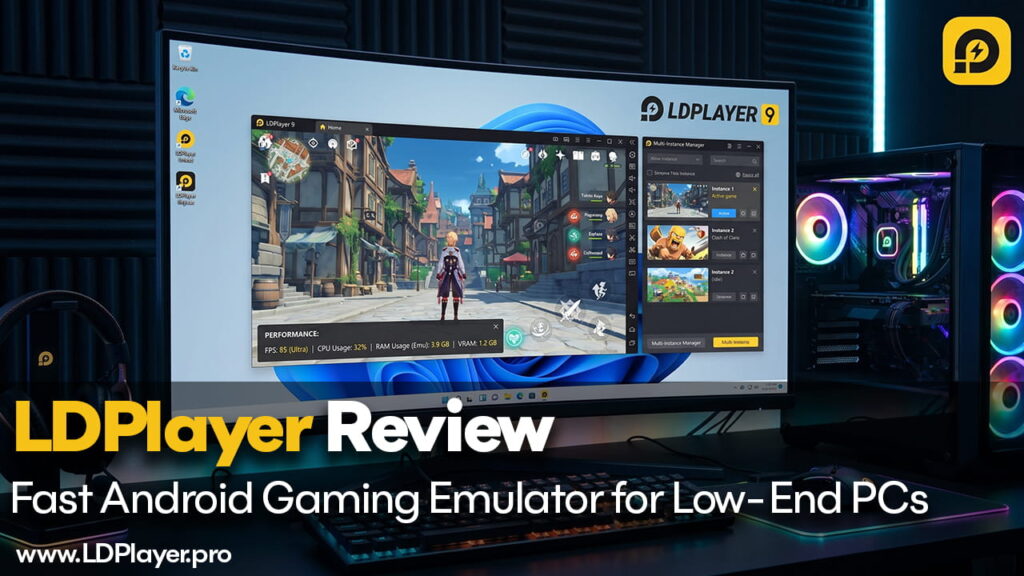
LDPlayer also performs well for advanced users who run multiple games or accounts at the same time. The built-in LDMultiplayer tool allows several Android instances to run together on one PC.
The Multi-Instance Synchronizer is one of the most useful features here. Actions done in the main emulator window, such as mouse clicks, keyboard input, or movement controls, can instantly repeat across other active instances.
In addition, LDPlayer allows users to limit frame rates and disable sound in background windows. As a result, CPU and GPU usage stay under better control during multitasking.
Good Keyboard Mapping and Macro Support
Many Android emulators struggle when converting touchscreen controls into keyboard and mouse input. LDPlayer handles this much better through its built-in keymapping system.
Popular games like Garena Free Fire and PUBG Mobile already include ready-made control layouts. This reduces setup time and makes gameplay smoother for most users.
The emulator also supports macro scripting for custom controls. Users can create command sequences that combine several actions into a single key press. For example, movement and skill activation can happen together with one shortcut key.
The Bad: Where LDPlayer Has Weaknesses
Even though LDPlayer performs well in gaming, it still has some downsides. To keep the emulator lightweight, certain features and compatibility areas feel less polished.
Installer Includes Bundled Software
The installation process needs careful attention. LDPlayer itself is free, but the installer often includes extra third-party software offers. These bundled apps are usually called bloatware or potentially unwanted programs.
During installation, users should avoid clicking the large “Quick Install” option immediately. Instead, the custom installation menu should be selected so unwanted antivirus software or browser extensions can be rejected manually.
This extra step is important for keeping the installation clean.
Some Apps Do Not Run Properly
Because LDPlayer focuses mainly on gaming performance, some non-gaming Android apps may not work correctly.
Certain productivity apps, social media tools, and apps that depend on strict DRM protection can crash or fail to open from the Google Play Store. While gaming support is generally strong, app compatibility outside gaming is less reliable.
Slow Startup on HDD Systems
Although gaming performance inside the emulator is smooth, startup speed is not always impressive.
Testing shows that LDPlayer boots slower than some alternatives like BlueStacks 5. On traditional hard drives, startup can take around 45 to 50 seconds before reaching the Android home screen.
Using an SSD improves this problem significantly and is strongly recommended for normal daily use.
LDPlayer 9 vs. BlueStacks 5
Comparing LDPlayer with BlueStacks 5 helps show where each emulator performs better.
LDPlayer uses less RAM while idle, usually around 350MB to 450MB. BlueStacks 5 generally uses more memory, often between 500MB and 650MB.
LDPlayer runs on Android 9 Pie 64-bit, while BlueStacks supports Android 11 along with Nougat and Pie options.
Boot speed is another major difference. BlueStacks usually loads much faster, often in 10 to 15 seconds. LDPlayer takes longer, especially on slower storage devices.
When it comes to interface design, LDPlayer keeps things simple with a clean right-side toolbar. BlueStacks includes more features but also adds a heavier and more advertisement-focused interface.
Vulkan API support on LDPlayer can vary depending on GPU drivers, while BlueStacks tends to offer more stable Vulkan support on AMD and Nvidia graphics cards.
Security and Safety: Is LDPlayer Safe?
Security is one of the biggest concerns people have with Android emulators. When downloaded from the official website, LDPlayer itself is generally clean and free from harmful software like trojans or hidden crypto miners.
Safe installation still requires careful steps. The emulator should only come from the official source, bundled software should be declined during setup, and virtualization settings should be enabled correctly inside the BIOS.
Most security risks actually come from outside the emulator itself.
Risks from APK Files
LDPlayer supports drag-and-drop APK installation, which makes app installation very easy. However, downloading modified or cracked APK files from unsafe websites can expose the system to malware.
The emulator simply runs the files provided by the user. Because of this, unsafe APKs remain a serious risk.
Root Access Risks
LDPlayer also includes a Root Mode option inside settings. This feature is useful for advanced customization and app modifications.
However, leaving root access enabled all the time increases security risks. Malicious apps may gain access to protected system areas if root permissions remain active unnecessarily.
Important Features for Better Performance
To get the best experience from LDPlayer, users need to adjust some settings manually. Without proper setup, problems like lag, frame drops, and audio stuttering can appear.
Enable Hardware Virtualization
Hardware virtualization is extremely important for Android emulators. Without Intel VT-x or AMD-V enabled in the BIOS, the emulator depends on slower software-based emulation.
This causes major performance problems and can even limit CPU usage to one core.
Users should enter the motherboard BIOS or UEFI settings and enable Intel Virtualization Technology or AMD-V before running the emulator.
Adjust CPU and RAM Allocation
Leaving all settings on automatic mode may not give the best performance.
Inside the emulator settings menu, users can manually assign CPU cores and RAM. A balanced setup usually works best.
For example, systems with 8 physical CPU cores should assign 4 cores to the emulator. Mid-range gaming setups should allocate around 4GB RAM, while lower-end systems with only 8GB total memory should reduce allocation to 2GB.
Resolution settings also matter. Lowering resolution from 1080p to 720p greatly reduces GPU load, especially on integrated graphics systems.
Final Words
LDPlayer 9 is a strong Android emulator built mainly for gaming performance. It delivers stable frame rates, low system usage, and useful features for users who want mobile gaming on PC without heavy hardware requirements.
The multi-instance tools, macro support, and lightweight resource usage make it especially useful for competitive and multitasking gamers.
At the same time, the installer requires careful attention because of bundled software offers, and some non-gaming apps may not work properly.
Even with those drawbacks, LDPlayer remains one of the most efficient and lightweight Android emulators available today. For users focused mainly on smooth mobile gaming performance on Windows, it is still a highly recommended option.